Welcome experience
Find it in Console → Settings → Welcome & onboarding. This is where you decide what new members receive after they join.
The three building blocks
Section titled “The three building blocks”- Welcome message — a direct-message welcome card sent once when a member joins.
- Intro card — what the circle does and what its rules are, visible the moment new members step in.
- Community guide — fuller instructions for using the circle, with separate Chinese and English versions you maintain separately.
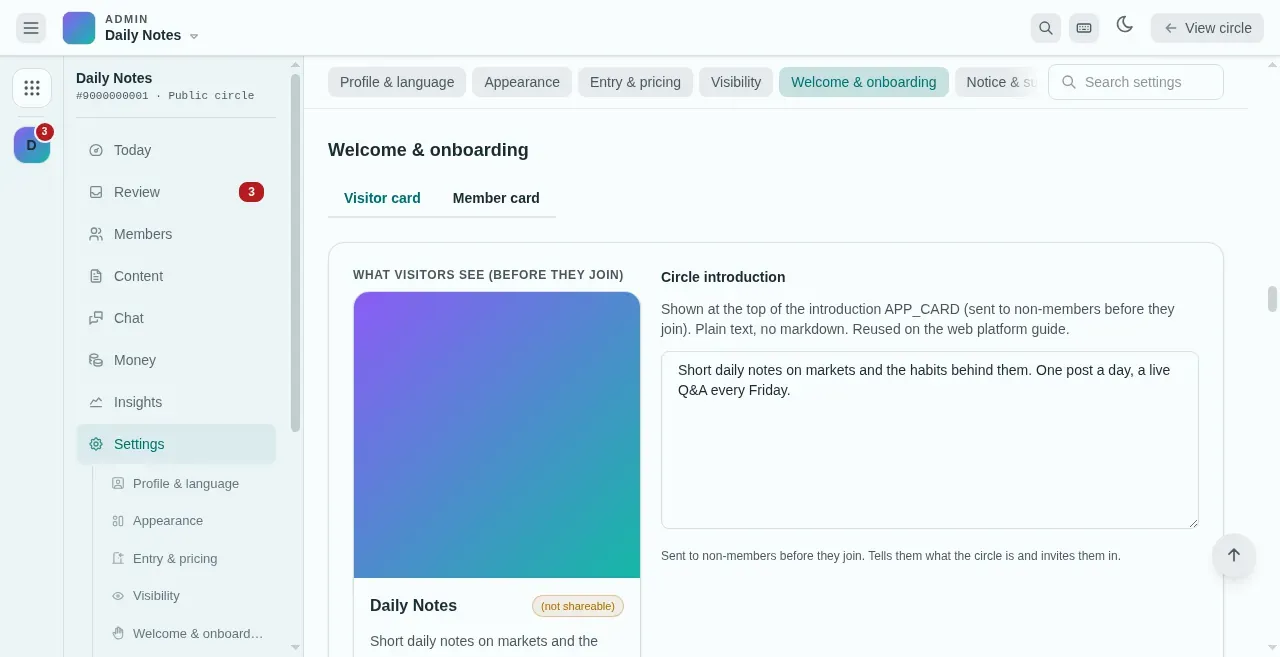
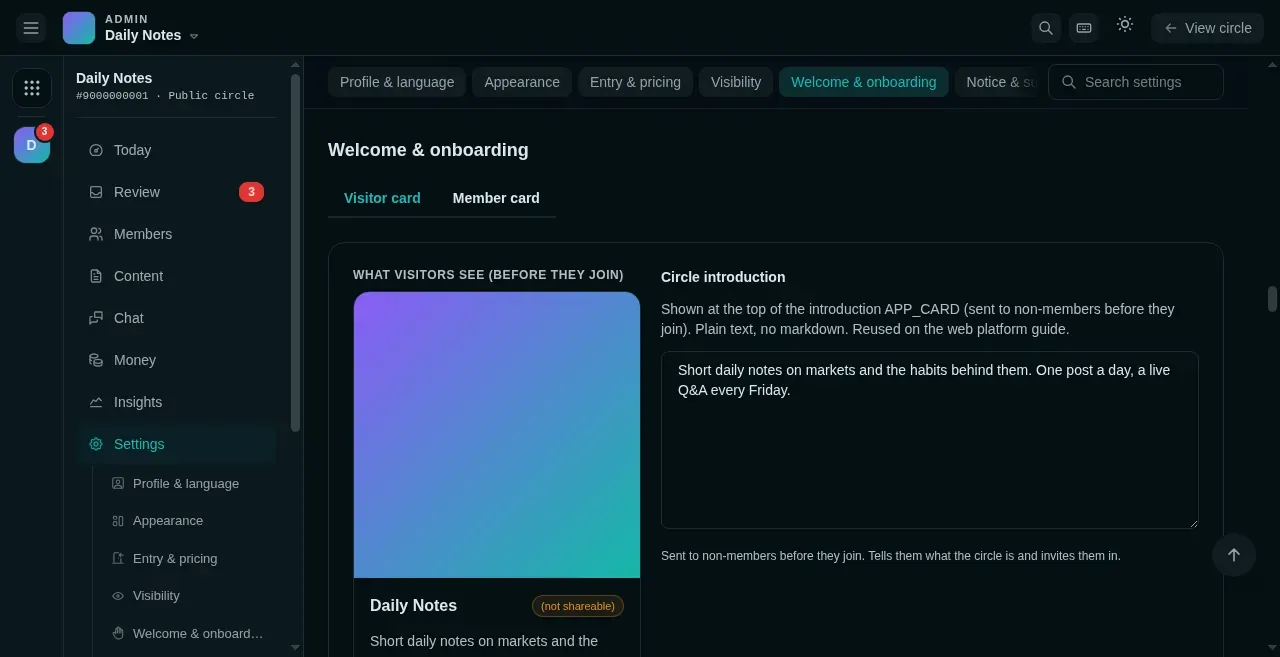
- Visitor card is for people who have not joined yet. Member card holds the welcome message and its buttons.
- A live preview of the card as Mixin will show it.
- The circle introduction. Plain text, no Markdown.
The welcome card carries a primary button (default “Open the circle”, straight to the circle home) plus a set of grid buttons (label ≤20 characters, primary + grid up to 18 in total). Each button is one of two kinds: a link (an https://… page or a / circle path) or send text (posts the given text as the member — if it matches an auto-reply trigger, the bot picks it up for another layer; see Playbook: bot onboarding). After configuring, use the preview feature to send it to your own Mixin and check how it looks. The intro card (what visitors see) takes the same button configuration.
When a link button points at a new external domain, saving pops a confirmation: Mixin Messenger only opens card buttons whose host is whitelisted in the bot’s profile, so the platform adds those domains to the whitelist for you before saving. That’s Mixin’s safety mechanism at work — nothing to configure by hand.
Lower in the same section sits the cover — the app card image shown when a post is shared to Mixin (≤5 MB).
Auto-join
Section titled “Auto-join”Free circles can turn on “Auto-enroll on first message”: anyone who messages the bot becomes a member automatically, skipping the join button. Under the Community Hub layout this option is forced off.
What new members receive
Section titled “What new members receive”When a member joins, things arrive in order based on your setup: welcome card → starter pack (Story Hub layout, up to three featured story source cards) → new-member red packet (if you published a red packet only newcomers can claim) → and in Group mode, a quick recap of recent content.
If something goes wrong
Section titled “If something goes wrong”- The welcome card never arrived — check that the welcome message was saved. It’s sent only once, at join time; editing the text doesn’t affect members who already joined.
- Buttons don’t open — for link buttons, check the address is complete (starts with
https://, or a/path inside the circle) and that the external domain went through the whitelist confirmation when you saved; for send-text buttons, check the text to send is filled in.