Members & roles
Console → Members is the circle’s people system: the member list, role management, membership gifts, and data export.
The role ladder
Section titled “The role ladder”| Role | What it can do |
|---|---|
| Owner | Full powers: credentials, layout, transfer (one per circle) |
| Admin | Day-to-day console work: Review, content, members, settings |
| Lecturer | Speaks straight to everyone (Lecture / Broadcast), creates paid content, can post in channels the owner authorizes |
| Member | Sees member content, chats, joins activities |
| Follower | Follows for free, sees public content only |
| Expired | The state after membership lapses; renewing restores it |
| Blocked | Cannot access the circle |
Admins and lecturers each have a cap of 10.
Changing roles and renewing
Section titled “Changing roles and renewing”In the member list you can search (name / Mixin ID / UUID), filter by role, and sort by join date / recent activity / sparks. For a single member or in bulk:
- Set as admin / lecturer / member — watch the seat cap when promoting into the admin team.
- Renew membership — extend the membership directly; duration is selectable (up to 100 years, with “forever” as the usual way to say no expiry).
- Turn off disappearing messages — bulk-remove the disappearing-messages limit on members’ conversations with the circle.
- Block / unblock — blocking also recalls their messages from within the recall window; see Content moderation.
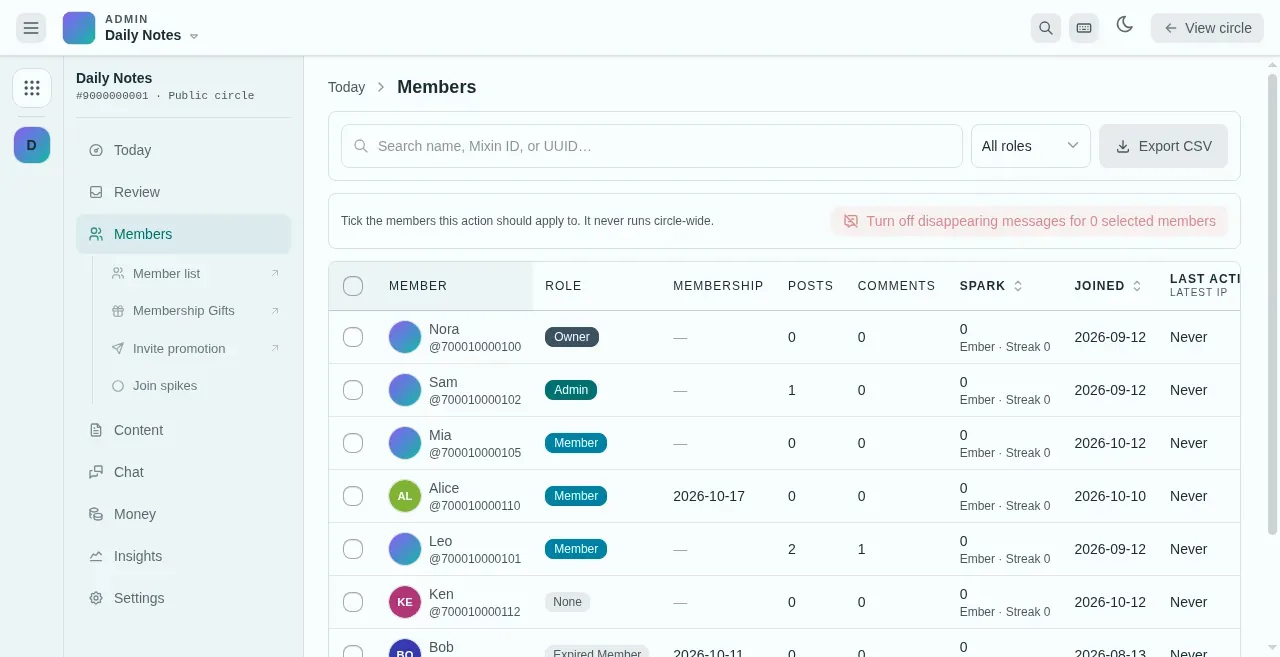
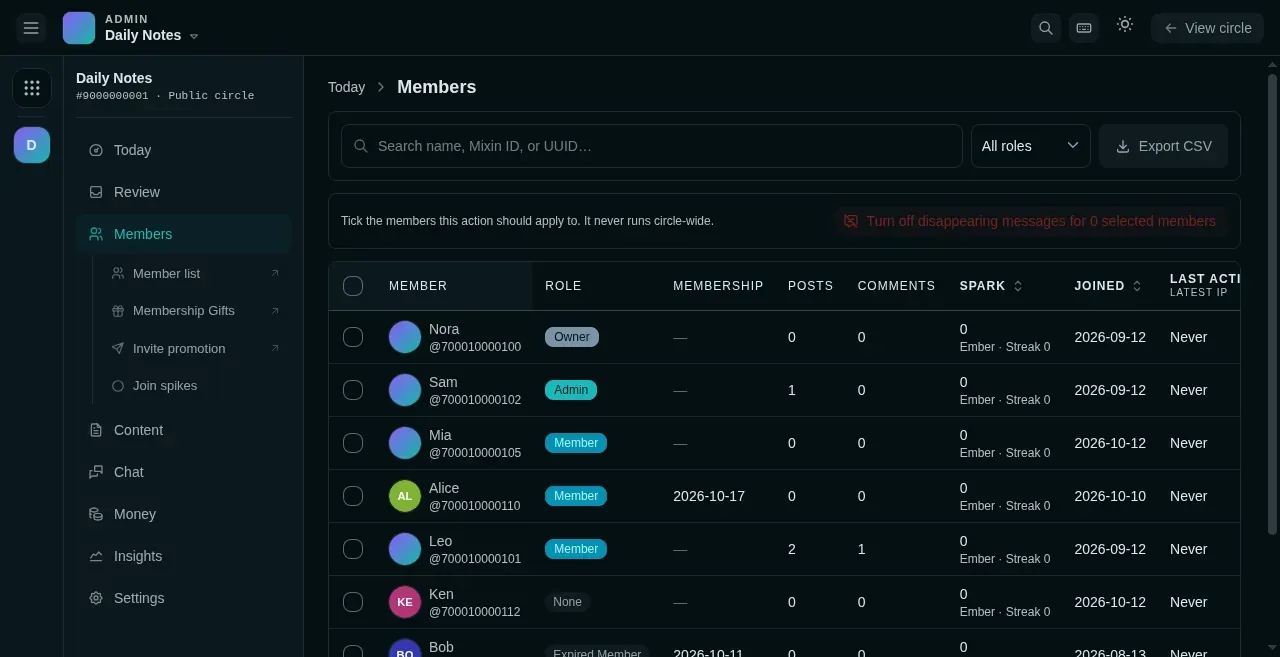
- Filter by role.
- Export the full roster as CSV.
- Each member's role. Tick members to change roles or renew in bulk.
Exporting member data
Section titled “Exporting member data”The toolbar’s Export CSV produces the full roster: member, Mixin ID and UUID, role, membership expiry, join date, last active, last IP, and inviter. Use it for an external CRM or reconciliation.
Invite settings
Section titled “Invite settings”- The inviter bonus rate lives in Settings → Entry & pricing (see Membership & pricing).
- Mixin Rewards (Members → Mixin Rewards) — decide whose invite codes count in the circle: inviters earn a rebate on their invitees’ Mixin trading, and invitees can claim “Rewards invitees” red packets and unlock invite-code-gated content; see Insights & growth.
- Invite promo copy — custom text on the invite card, configured in the launch checklist.