Content moderation
The day-to-day entrance to moderation is Console → Review: everything that needs your judgment gathers here — held spam, flood alerts, stories waiting to publish, and story sources that failed to fetch.
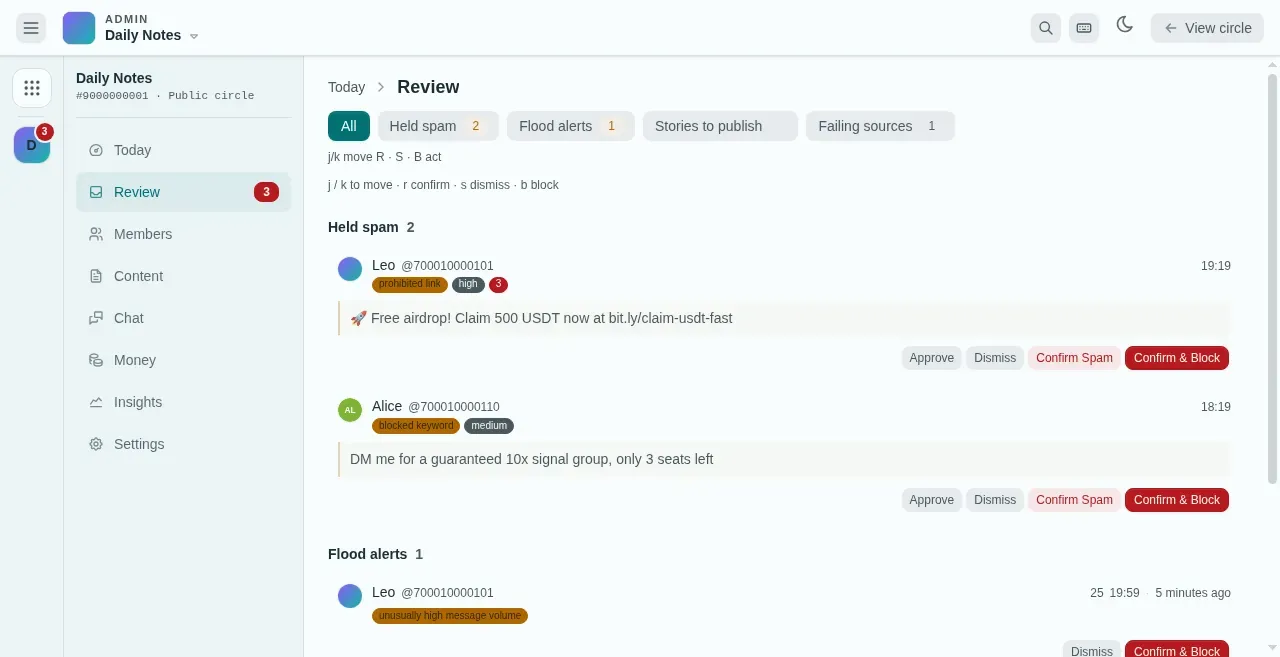
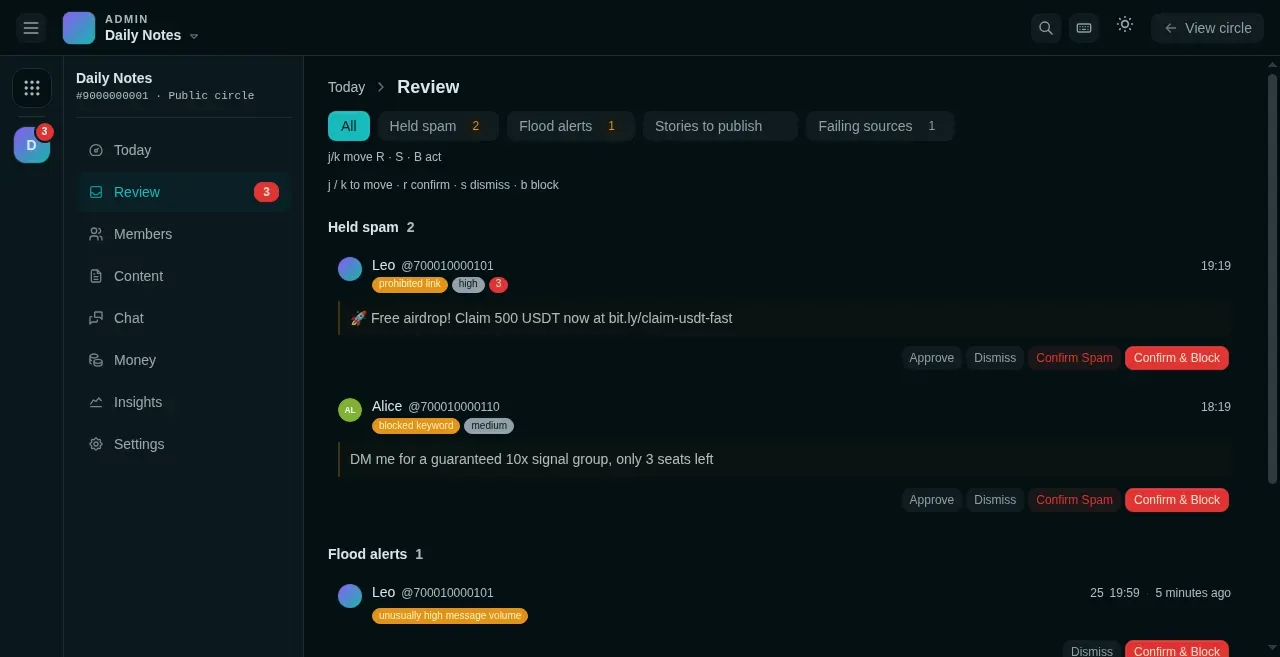
- Filter by kind. The number is how many are waiting.
- Why the message was held, and how sure the filter is.
- Approve, Dismiss, Confirm Spam, or Confirm & Block.
- Flood alerts: members sending too fast or repeating themselves.
Spam protection rules
Section titled “Spam protection rules”Settings → Spam protection:
- Enable spam protection — suspicious messages are held back instead of delivered to members, and land in the Review queue for you to decide.
- Strictness — Relaxed / Balanced / Strict, setting how aggressively things get intercepted.
- Link policy — allow links, block links, or only allow domains on the allowlist.
- New-member scrutiny — a new member’s first N messages get extra checking (0 = the platform default of 5).
- Custom keywords — block words and allow words (allow words can override false positives), with whole-message, phrase, and anywhere matching.
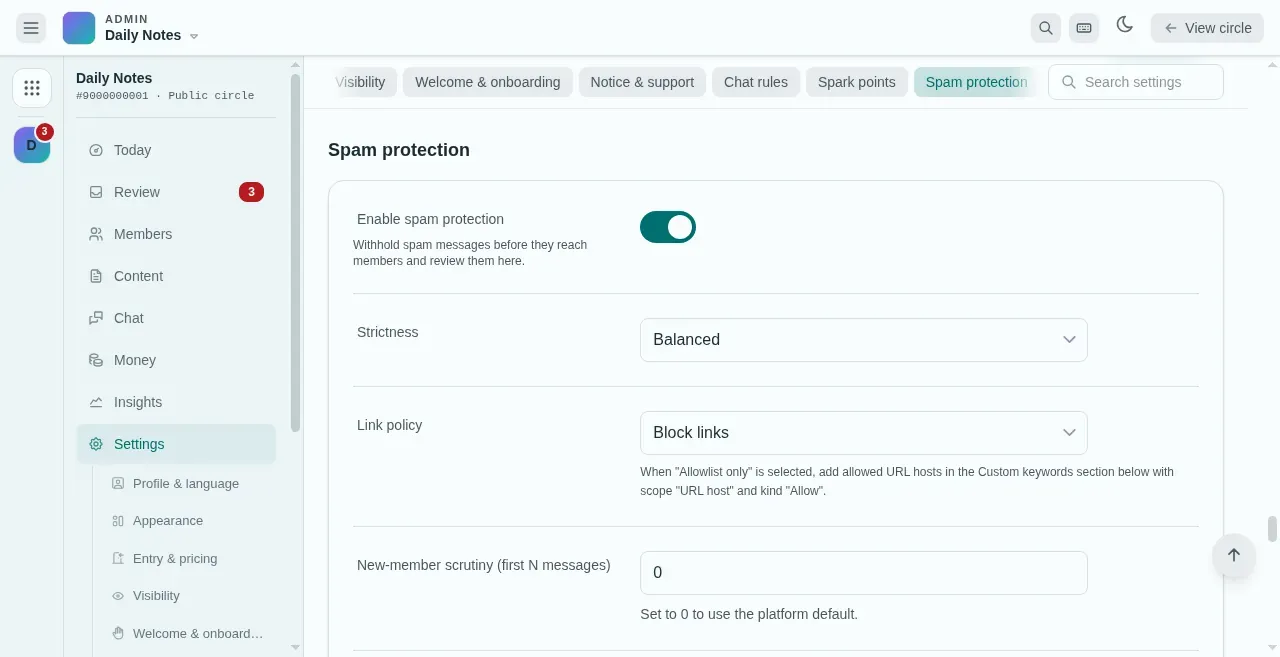
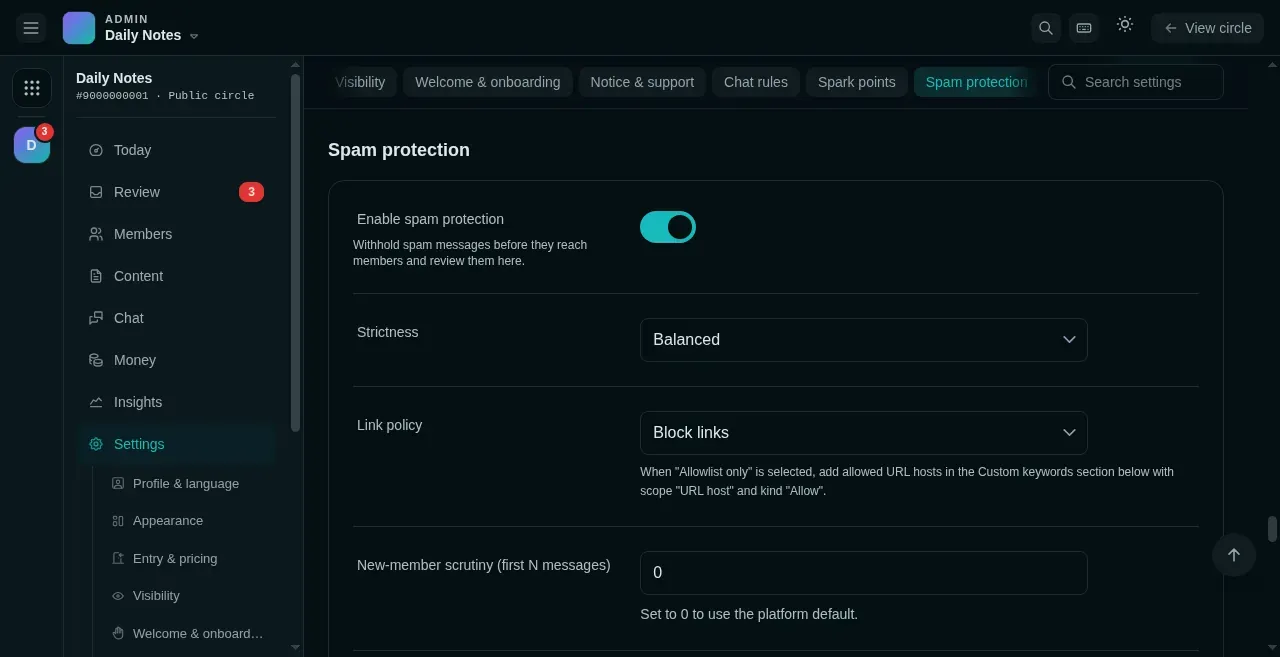
- Turn on holding: suspicious messages wait in Review instead of reaching members.
- Link policy: allow links, block links, or allowlist only.
- Extra checks on a new member's first N messages (0 = platform default).
Held messages have four actions: Approve (a false positive), Confirm Spam, Confirm & Block, and Dismiss. Approve and Dismiss can be undone within 10 seconds; Confirm Spam and Confirm & Block are final.
Try it here
Section titled “Try it here”The lab below brings the rules to your fingertips: on the left change the settings (strictness, link policy, block/allow words, who is sending), type a message or tap a preset, and the right side shows instantly whether it reaches members or lands in Review — and why. Held messages offer the four actions: Approve and Dismiss carry an undo; Confirm and Block are final.
Settings → Spam protection
Delivered to members
Nothing delivered yet.
Review (held)
The queue is empty — all clean.
Flood alerts
Section titled “Flood alerts”The platform spots abnormal flooding and repeated sending on its own, even if you configure no rules. Confirming an alert blocks the member and bulk-recalls their messages from within the window; a false positive can simply be dismissed. The “join spikes” probe on the Members page helps you spot unusual bursts of joins.
Blocking, recalling, and anonymous verification
Section titled “Blocking, recalling, and anonymous verification”- Block a member — do it from the Members page, or quote a message and send
/block. Blocking also bulk-recalls their messages from within the recall window (30 days). - Recall a message — quote it and send
/recall, or recall messages one by one in Console → Chat → Messages; limited to the last 30 days. - Anonymous verification — in Anonymous modeRegular members post anonymously; the owner, admins, and lecturers stay identified and can verify identities privately.Read more →, regular members speak anonymously, but the circle owner and admins can quote a message and send
/reveal; the bot direct-messages you the member’s real identity without making it public.
History
Section titled “History”Every moderation and management action (mode switches, blocks, rule changes, and so on) is written to Settings → History automatically. Reversible actions can be rolled back with one click; sensitive ones like blocks also direct-message the circle owner.