Settings reference
Console → Settings holds every circle setting members experience. Two more cards sit at the top: bot connection and danger zone.
Sections at a glance
Section titled “Sections at a glance”| Section | Fields |
|---|---|
| Profile & language | Circle language (the language of pages and bot notifications) |
| Appearance | Layout and layout customization (Choosing your layout, Customize Story Hub, Customize Trading Hub, Home entries); shareable post cards; post tags (up to 20); trading entry and types (Trading Hub) |
| Entry & pricing | Who can join; fee currency; entry price; billing period; membership lengths; Renewal discountA reduced price when existing members renew.Read more → (0–99%); inviter bonus; pricing mode; Trial (period)Free trial days with membership content open — nothing is charged automatically.Read more → (0–365) |
| Visibility | Circle visibility; browse mode (preview requires a paid circle); post and article visibility |
| Welcome & onboarding | Welcome message; introduction card; welcome card buttons (primary + grid up to 18, labels ≤20 chars, link or send-text); auto-enroll on first message; skip contact greeting; community guidelines (Chinese and English) |
| Announcements & support | Notice bar and notice text (up to 200 characters); support contact |
| Group chat rules | Message cooldown (seconds); link / image / voice / card filtering |
| Spark points | Points system toggle; whether chat messages count (see Spark points) |
| Spam protection | Spam protection toggle; strictness; link policy; new-member message threshold; opt out of cross-circle scanning |
| Member policy | Inactivity warnings (7–365 days, 0 to disable); Anonymous modeRegular members post anonymously; the owner, admins, and lecturers stay identified and can verify identities privately.Read more →; admins can see real identities; hide member count and the member list |
| Content & posting | Who can post; whether questions are allowed |
“Hide member count” also hides the member list: members and visitors see only the admin team, while the owner and admins always keep the full list.
There is also a bot profile card: the bot’s display name on Mixin (up to 36 characters), description (up to 512 characters), and avatar (up to 512 KB). Red-packet risk controls, invite promotion, campaign permissions and the like live on their own dedicated pages, not in this table.
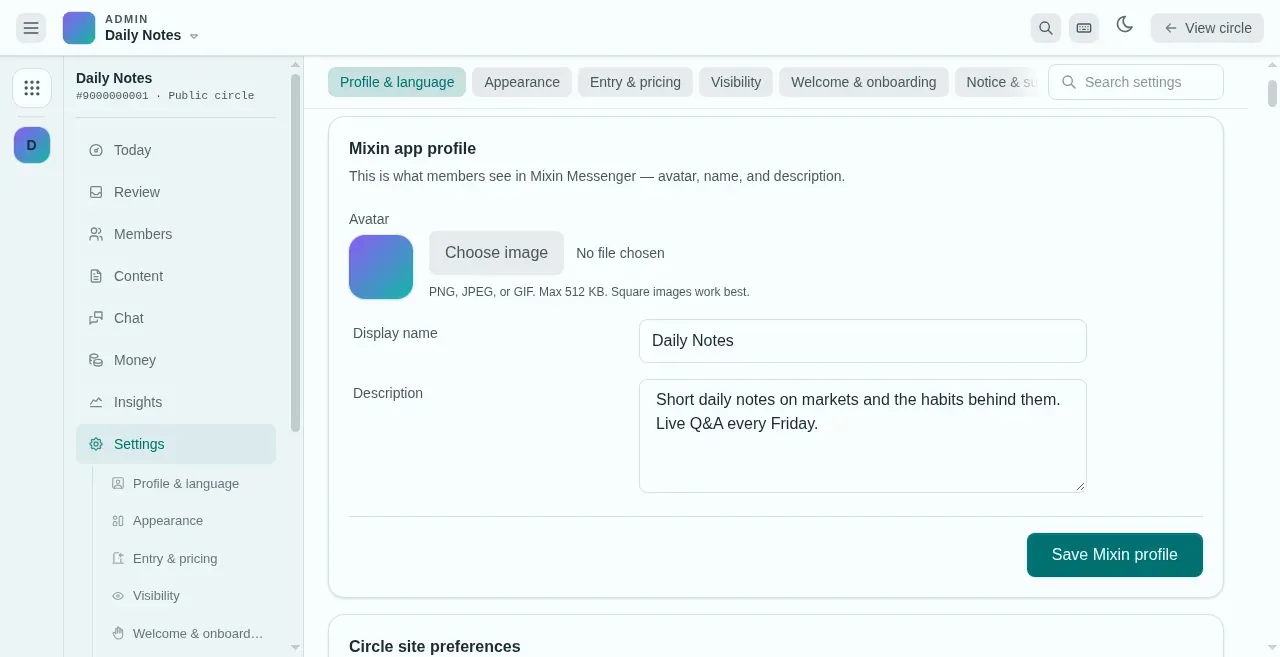
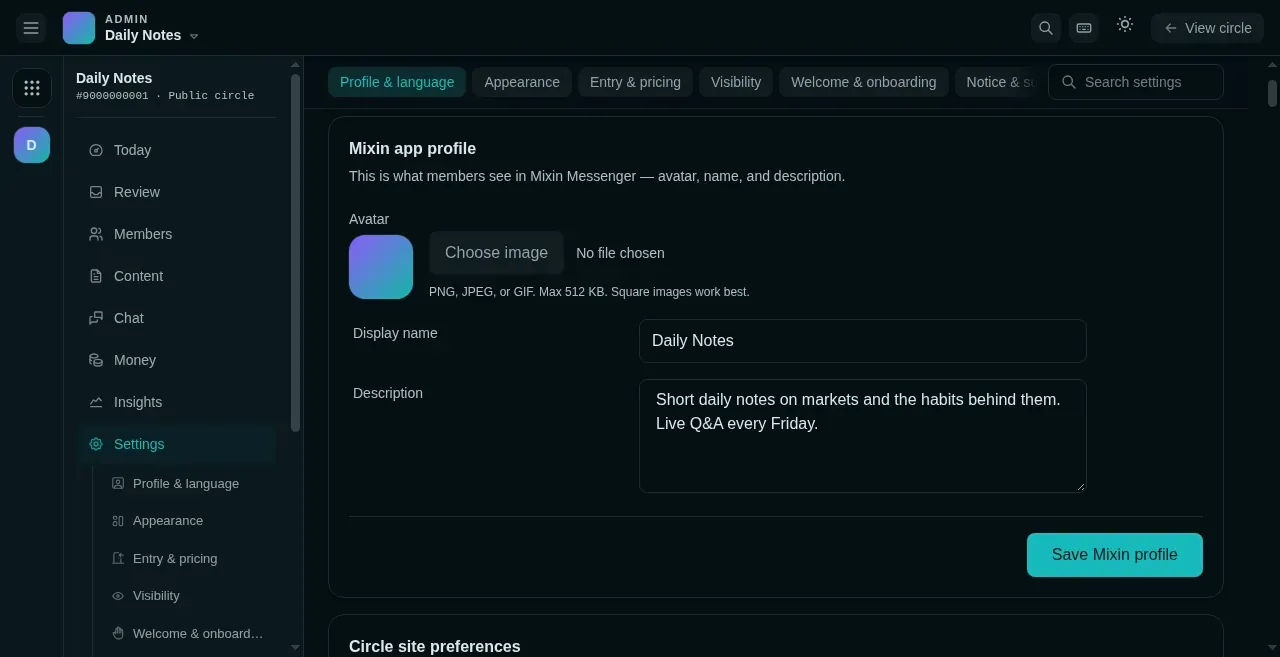
The form only appears once the bot is connected; before that this spot holds a notice and a “Connect” button. Saving syncs the name, description, and avatar to the bot’s Mixin profile.
Staged publishing & undo
Section titled “Staged publishing & undo”- Changes are staged first: the page shows a count of staged (unsaved) items, and clicking Review changes walks you through the impact field by field (a price change, for example, cites the last 7 days of renewal data) before anything is published.
- When admins change settings involving fees or permissions they must provide a reason — the reason is recorded and sent to the circle owner (owners themselves are exempt).
- Every change is written to the History: settings-publish operations support one-click undo (if the field was edited again afterwards, the undo warns you that it has drifted).
Try it here
Section titled “Try it here”The sections table is for looking things up; staged publishing is for walking through: change a field, review the per-field impact, hit the admin reason requirement, publish into History, then undo — and meet the drift warning.
Settings (excerpt)
0
Impact, field by field
History
No changes yet.