Money: orders & payouts
Console → Money is the financial hub: the order list and the VIP upgrade entry live here; the Today and Insights pages show income at a glance.
The life of an order
Section titled “The life of an order”- A member starts a purchase and the order is created in the Waiting state, valid for 15 minutes, then expires automatically.
- The member pays; once the amount is verified the order is marked Paid — membership or tier access starts immediately and you get a notification.
- Settlement then completes automatically: the platform takes its 10% service fee, the inviter bonus (if on) is shared with the inviter, and the rest is sent straight to your own Mixin wallet through the platform’s Mixin Safe — usually within seconds to a few minutes. There is nothing to withdraw. See how one payment splits →
Payment problems are rejected explicitly: an amount too low (underpayment), a trace id that doesn’t match (paid on the wrong order), or the wrong recipient. Those payments never take effect — the platform verifies them and returns the money to the member, the same way it came.
Finding orders
Section titled “Finding orders”Money → Orders: filter by status (Paid / Completed / Expired), search by order number, trace id, member Mixin ID, or name, and scope to the last 7 / 30 / 90 days. Every order can be matched back to the original Mixin transfer through its trace id.
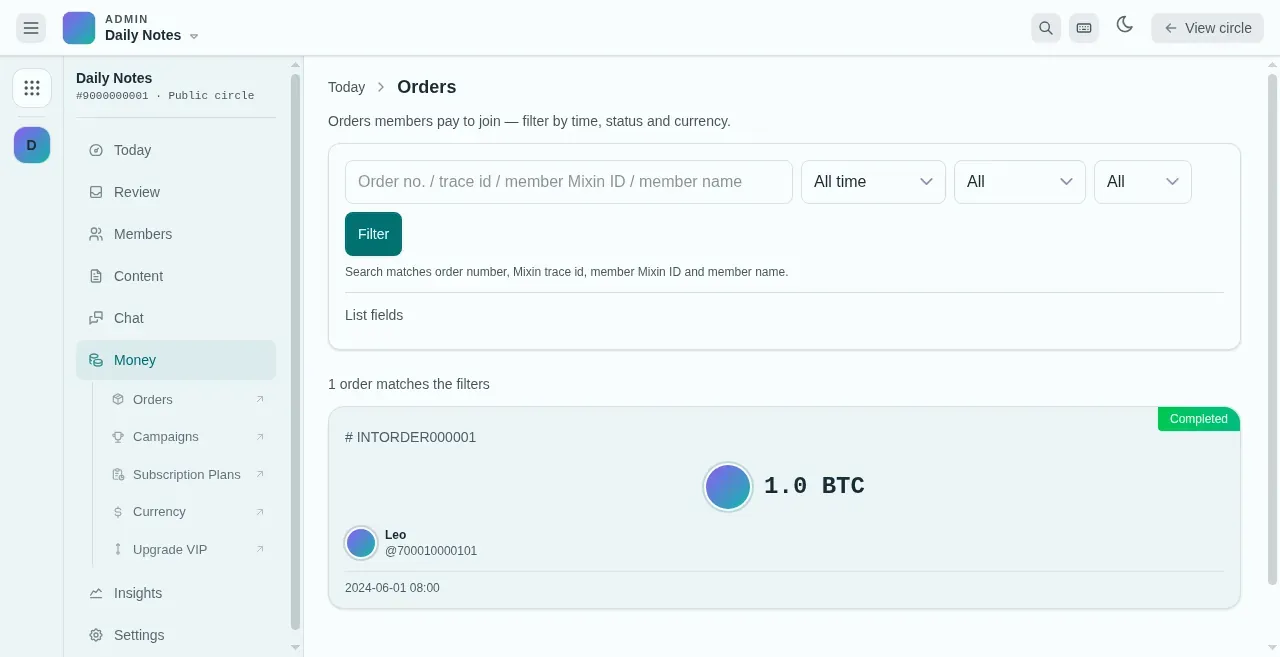
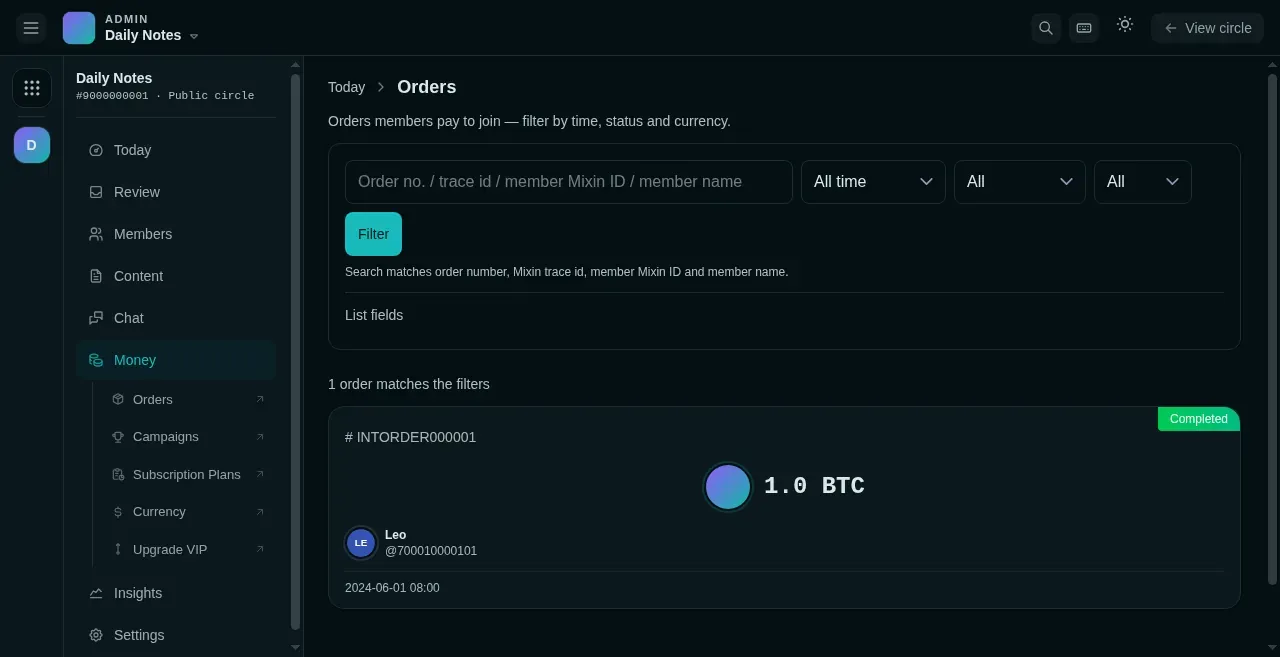
- Search by order number, trace id, Mixin ID or member name.
- Each order card: number, amount and who paid.
- Status: Paid, Completed or Expired.
Reading income trends
Section titled “Reading income trends”- The Today page’s Pulse: income and order counts for the last 14 days.
- Insights → Statistics: income charts (order income, red packets, and tips — visible for paid circles), with USD conversion.
Membership gifts
Section titled “Membership gifts”Members → Membership gifts: extend a specific member’s membership for free. Fill in the recipient, duration (months), how it’s counted (straight duration or the next calendar month), and a reason. The action is kept in an audit log.
If something goes wrong
Section titled “If something goes wrong”- The order shows Expired but the member says they paid — ask the member for the trace id and check it in order search. When a payment doesn’t match its order, the order never takes effect and the platform returns the money to the member after review.
- Income hasn’t arrived — after each order is paid, the platform immediately transfers your share (total minus the 10% fee and any inviter bonus) straight to your Mixin wallet, usually within seconds to a few minutes; if it’s late, look up the transfer in Mixin using the order’s trace id.