Launch checklist
Once you’re connected, the console’s Today page lists four basic setup items and ticks each off as you complete it. Two of them only complete once the matching change is made: “Review entry and fees” ticks when charging is on, and “Choose public layout and appearance” ticks once you pick anything other than the default Classic layout. Check them all off and your circle is ready to run for real.
The four items
Section titled “The four items”- Set up welcome card and intro — the first thing members see when they join: a welcome line, plus what your circle is about.
- Review entry and fees — set your price and charging; this item only ticks once charging is on (see Membership & pricing).
- Choose public layout and appearance — the layout of your circle’s home page; this stays unticked while you keep the default Classic layout.
- Configure invite promo — write the promo text shown on invite cards, so every share brings in new members.
Try it here
Section titled “Try it here”Fill in each item and watch it tick, the way it will in your console. The phone shows what members get. Anything you leave empty falls back to generic text, marked in yellow.
Getting started
0 of 4 done
🎉 Ready to launch. Share your invite link.
Ticks once both the welcome message and the intro have text.
Ticks once the price is above 0. Staying free on purpose? Leave it unticked.
Ticks once you pick any layout other than the default Classic.
Ticks once you write your own promo text (up to 500 characters).
What members see
Before joining · intro card
Daily Notes is open — tap below to join.
Generic textAfter joining · welcome card
Welcome to Daily Notes! We're glad you're here.
📬 Default mode is active. Send a message to reach the owner, admins, or lecturers — they reply by quoting you. Other members cannot see your messages.
Generic textDaily Notes
Anyone who taps Join becomes a member. Nothing to pay.
Membership is paid. Your share of each order goes straight to your Mixin wallet.
Free to joinSwitching layouts never loses posts, members or orders.
Leo invited you to join Daily Notes on OhMy.xin — a wonderful circle. Come say hi!
ohmy.xin/circles/7000101526?invite_code=LEO8K2
Generic textIn your console
Section titled “In your console”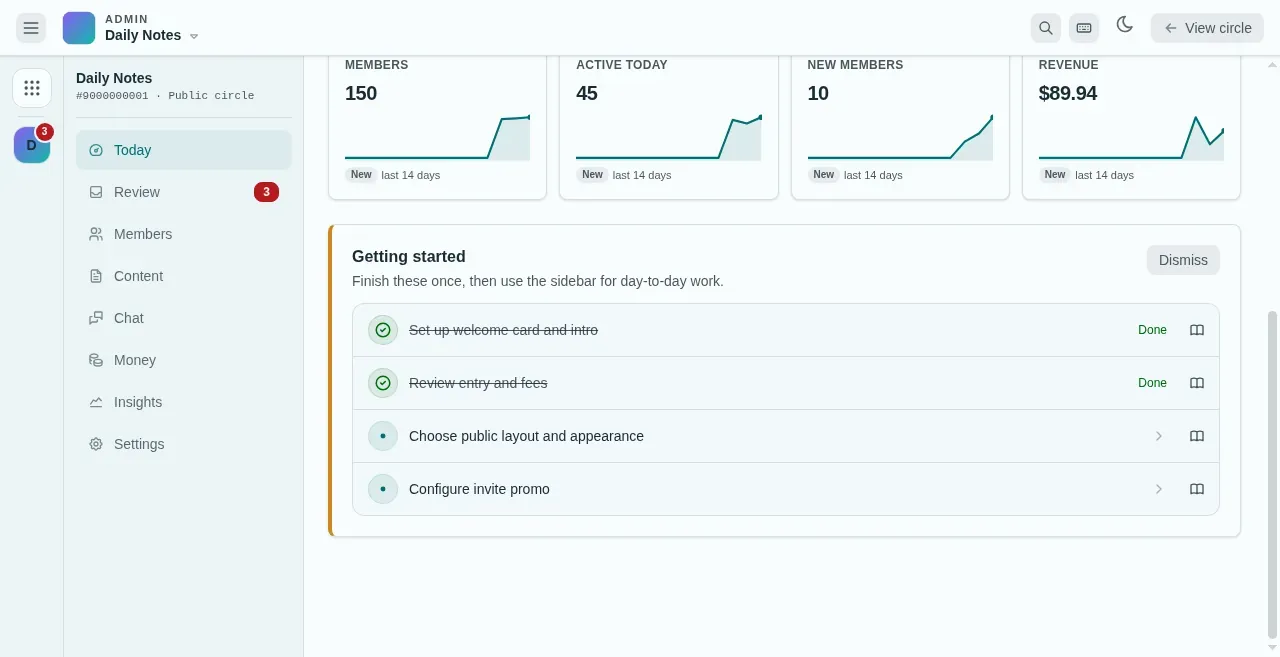
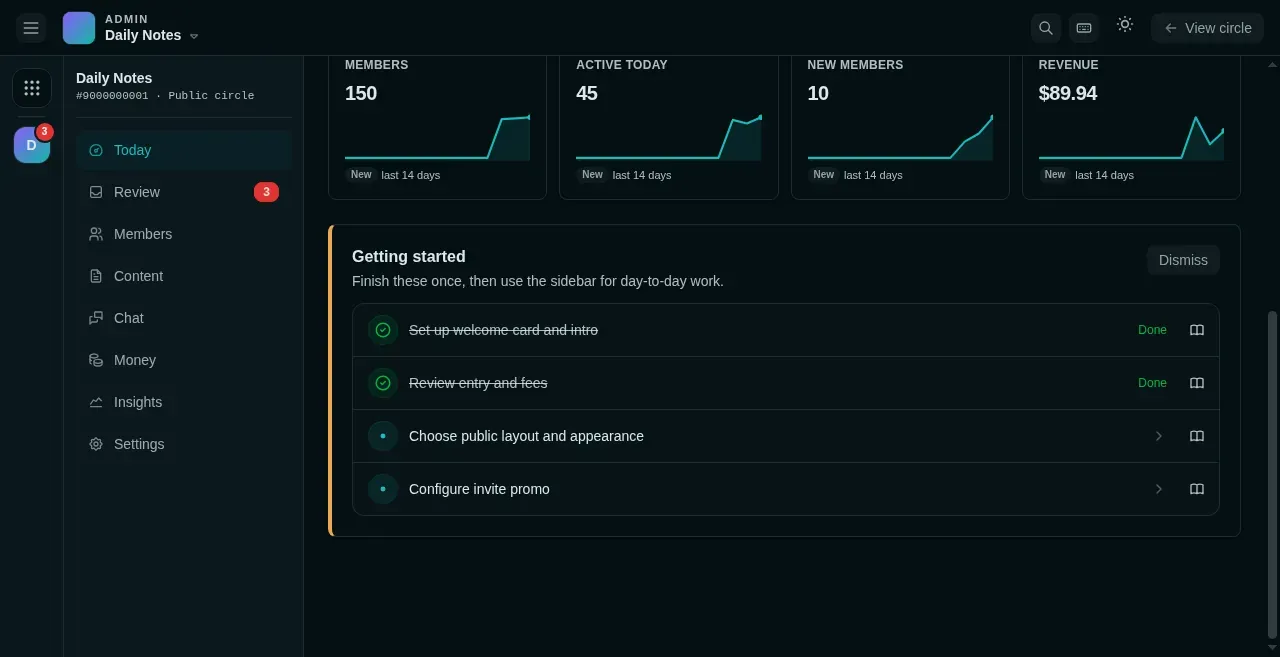
- An unticked item. Click the row to open that setting.
- Finished items are crossed out and marked Done.
- The book icon opens the matching page of this guide.
- Dismiss hides the card when you no longer need it.
How it works
Section titled “How it works”The checklist stays on the Today page and ticks itself off as you finish each item. Day-to-day operations (reviews, content, stats) live in the left navigation and are unaffected by the checklist.
After launch
Section titled “After launch”- Share your invite link in your group chats or on social media.
- Watch the Today page for how things are going: content awaiting review, new members, and an earnings overview.
- Build out your content over time: posts, articles, channels, and lucky activities.